Make a photo talk with AI: type the words, pick a voice

Talking Photo makes the face in one photo say the words you type. Add one clear, front-facing photo, write up to 180 characters and pick a voice: Warm, Bright, Calm or Deep. You get a short AI video with no watermark, usually in about 2 minutes. It runs in your browser on phone or desktop and uses 10 credits.

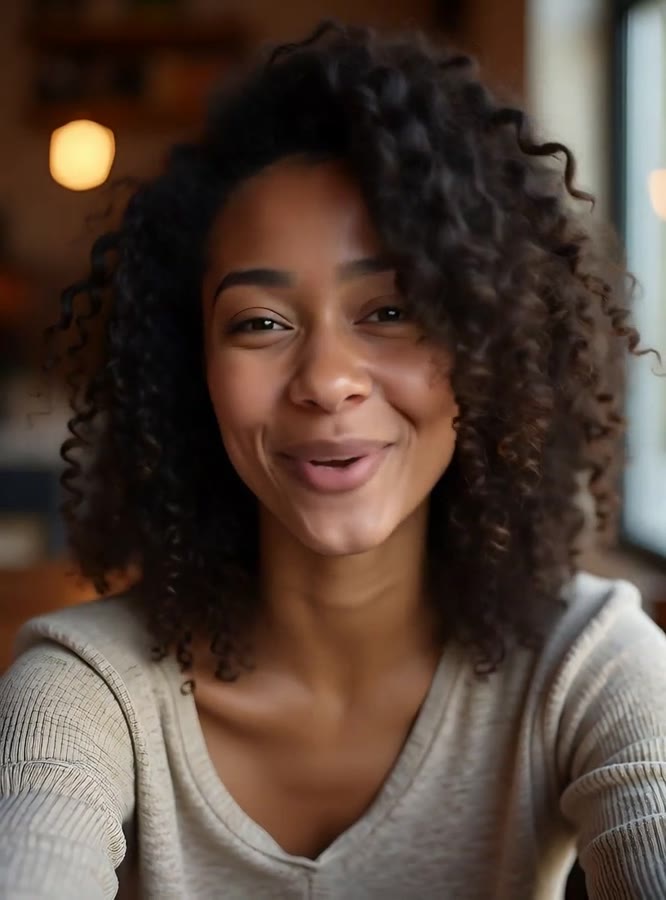
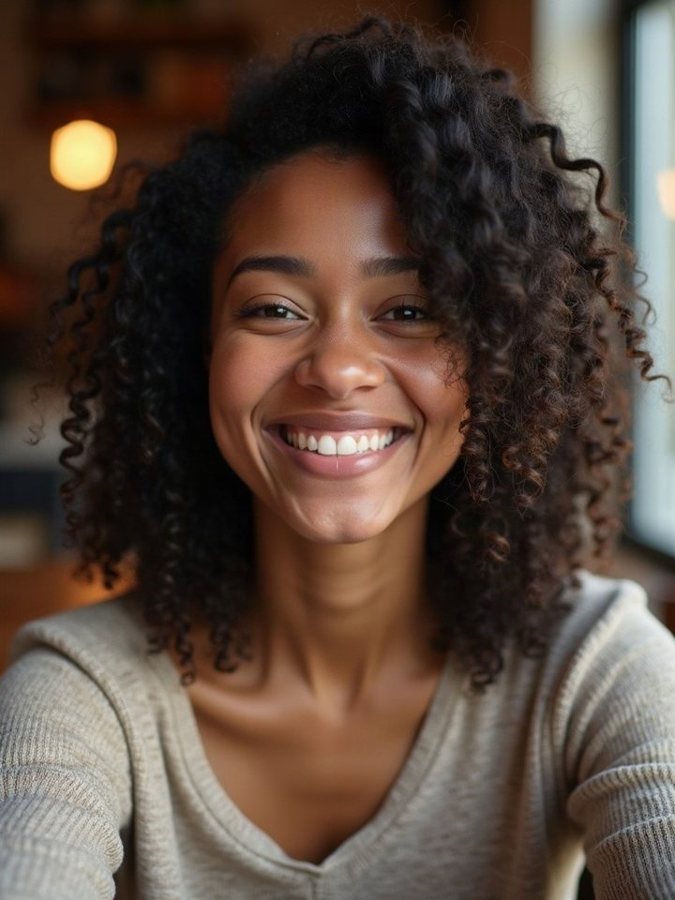
Talking Photo: beforeTalking Photo: after
Before and after with Talking Photo.

Make a photo talk with AI: type the words, pick a voice

Talking Photo makes the face in one photo say the words you type. Add one clear, front-facing photo, write up to 180 characters and pick a voice: Warm, Bright, Calm or Deep. You get a short AI video with no watermark, usually in about 2 minutes. It runs in your browser on phone or desktop and uses 10 credits.

What you get

You get a short video of the person in your photo saying your words in the voice you picked. They speak to the camera with subtle head movement, natural blinking and friendly expressions. The video runs about as long as your words take to say.

Type what it says, it speaks. It uses 10 credits; the same credits work for video templates.

Ideas for using it

  • A birthday message that says it out loud
  • A spoken invitation to a party or dinner
  • A thank-you note for a friend or coworker
  • A fun hello for a group chat
  • A greeting from a family member, with their OK

Photo tips

  • Use a photo where the face looks straight at the camera.
  • Pick a sharp, well-lit photo; dark or blurry faces work less well.
  • Skip sunglasses and anything covering the mouth.
  • Keep the message short and clear; you have 180 characters.

FAQ

Is Talking Photo free to try?

No. Each talking photo uses 10 credits. The Video Pack is $14.99 paid once and includes your first video plus 100 credits; Weekly ($6.99, 50 credits a week) and Monthly ($19.99, 150 credits a month) renew until you cancel.

How long can the message be?

Up to 180 characters. The video runs about as long as it takes to say your words.

Which voices can I pick?

Four: Warm, Bright, Calm and Deep. You choose one before you make the video.

Can I use my own voice recording?

No. You type the words and pick one of the four voices.

Can I make anyone's photo talk?

Only your own photo, or someone who gave you permission; you confirm this before making it. Photos that look like a minor are blocked, and the words you type are checked first.

Where do I find the video?

In your private studio in the browser, ready to download. Videos are kept for 30 days.
All questions →

Need help?

Email tknappstudio@gmail.com. We reply within 2 business days.